

Honey, I Shrunk The Vids is an overengineered oversimplified system-agnostic frontend for FFMPEG. Built with assistance from Claude, but don’t let that stop you reading - I’ll explain why.
Predendum 6/MAR/26: Yes, I’m using genAI - specifically Claude - to help me build and improve this application. But, I believe I’m using genAI differently than the majority of projects. For one thing, I’m not blindly copy-pasting output and crossing my fingers that it works. I read the output, looking for things I know are wrong, and try to fix it; if I can’t, I ask what I’m doing wrong, and then I fix it. When I encounter errors, I’m reading the error output and if I know how to fix it I do it myself. I’m trying to actually learn, but I do that best by diving in and fixing the mistakes I make. I test informally* on the hardware I have available, which is two Windows PCs, and sometimes my friend with a 2016 Mac will do a test run for me to confirm stuff works. (*by “informally”, I mean I don’t write test cases. I know how, but they’re repetitive and I hate them and I’m not doing it for my personal projects or I’ll end up hating my hobbies.)
My goal in posting my projects is not to have other people audit my code for me, nor do I want kudos or approbation (except for any jokes you see. Those are all me). I’m posting what I’ve got when I’ve got it largely working, in case other people find it useful, and that’s it. I do hope that if people see something I could refactor or conventions I should be adhering to, they’ll drop me a (civil) note about it so I can keep it mind. I appreciate feedback and advice, but I’m not expecting it.
Thanks for reading, I hope you find HISTV useful!
This is a followup to a post I made yesterday, about a silly little Windows application I’d made for batch transcoding files. I wanted something that I could just dump my files onto without having to muck about with Handbrake or Tdarr - post here, for those curious: https://piefed.ca/c/selfhosted/p/568748/honey-i-shrunk-the-vids-a-windows-transcoding-frontend-for-ffmpeg
So I spent today making my silly little Windows application a silly little platform-agnostic application. I rewrote the whole thing in Rust and JavaScript with a webview frontend, and apparently Github lets you compile binaries for quite the range of target platforms, so I have compiled binaries available for Windows, Linux, and Mac (Intel/Apple Silicon). It’s got a dark theme because of course and a light theme because I guess, also it’s themeable because why the hell not. I’m pretty pleased with how it’s coming along - if anyone decides to give it a go, please let me know if you find issues!
screenshots
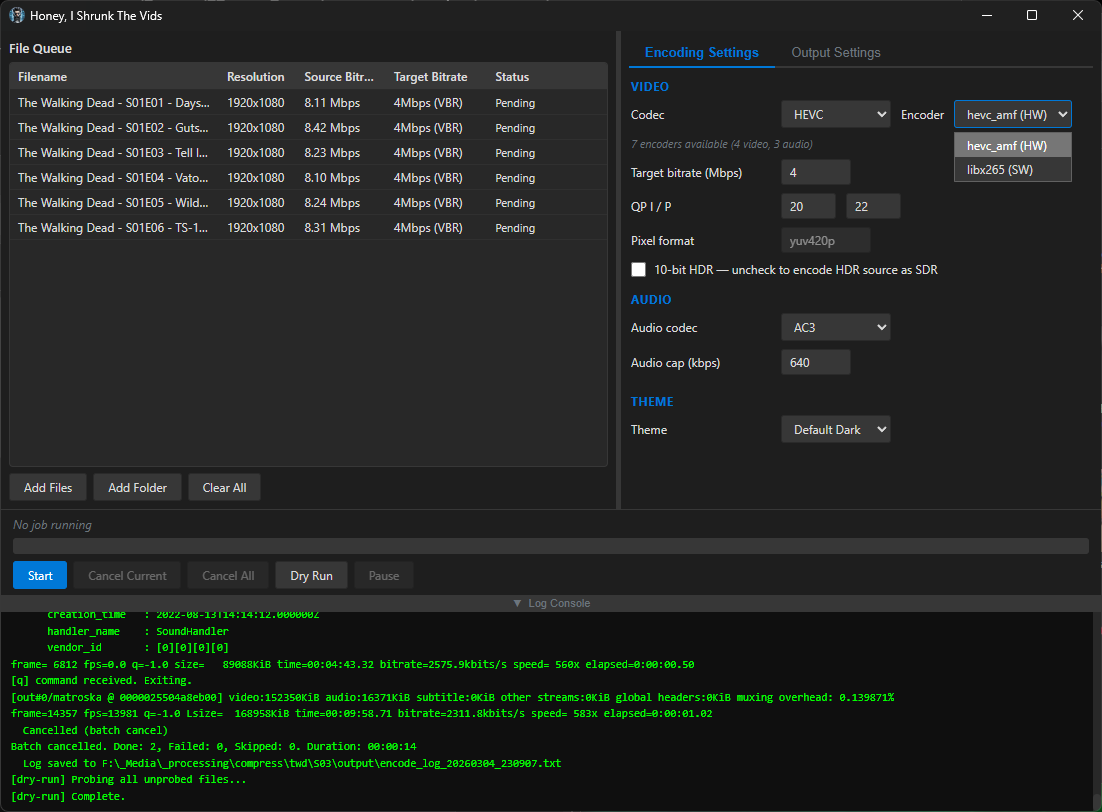
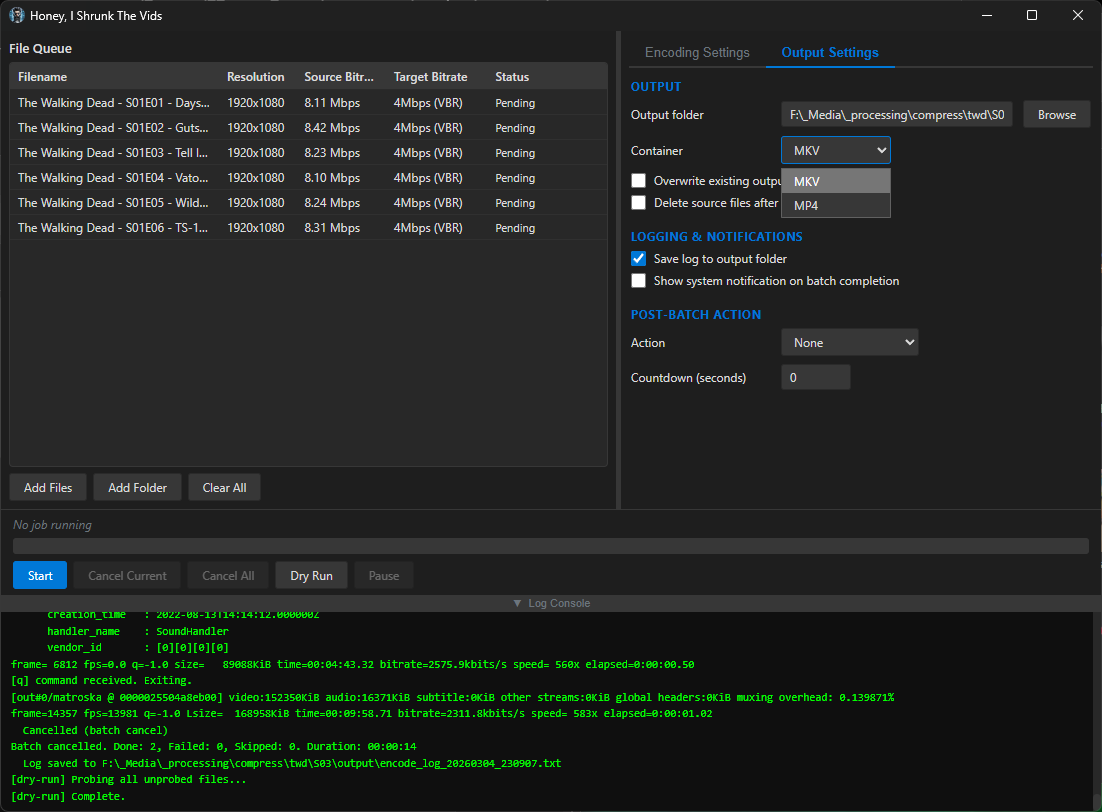
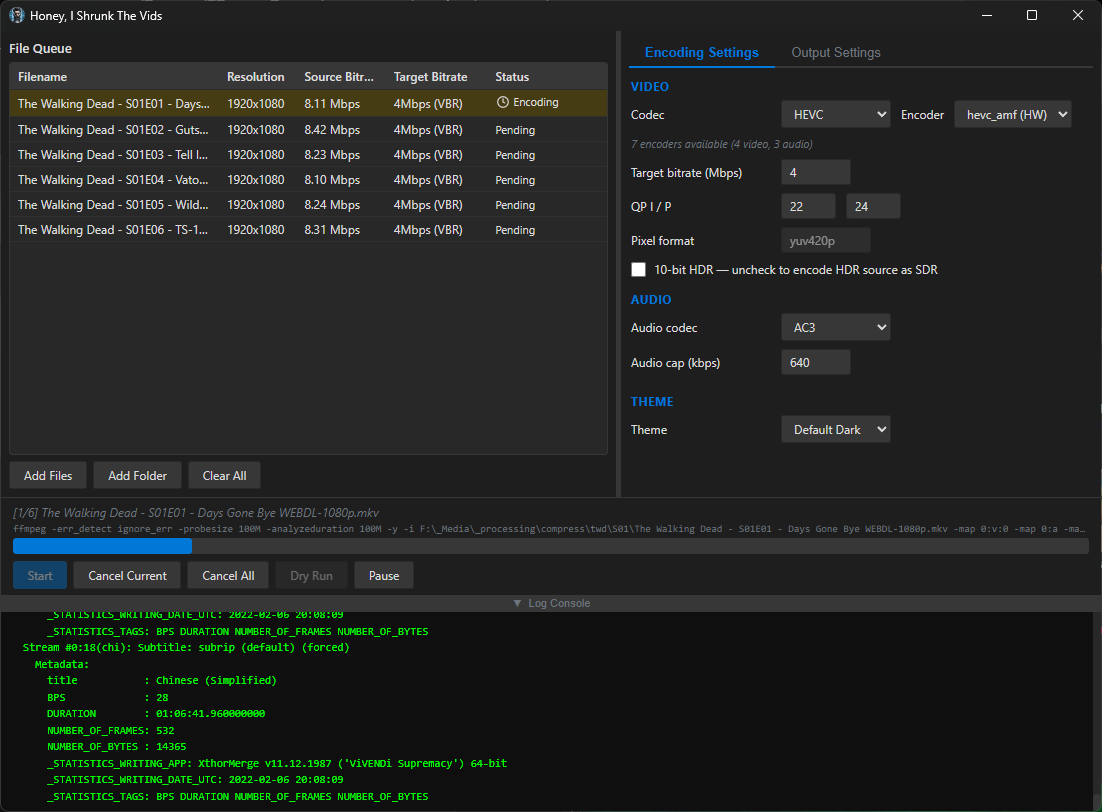
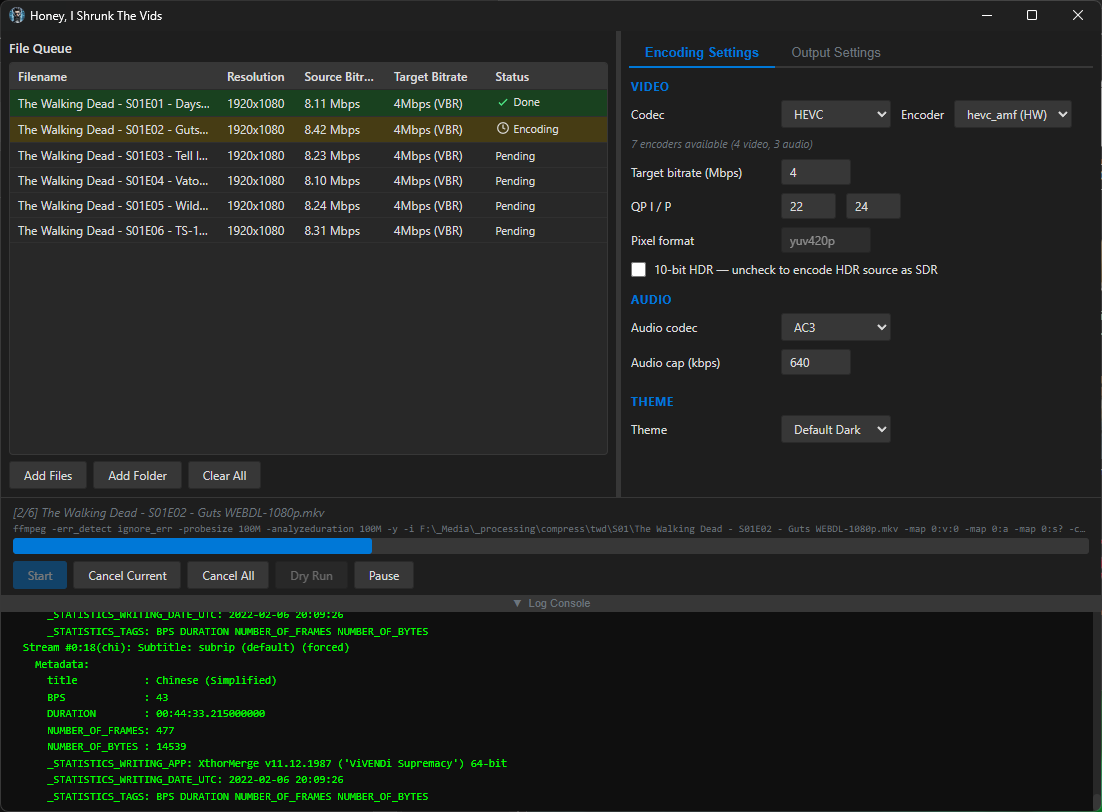
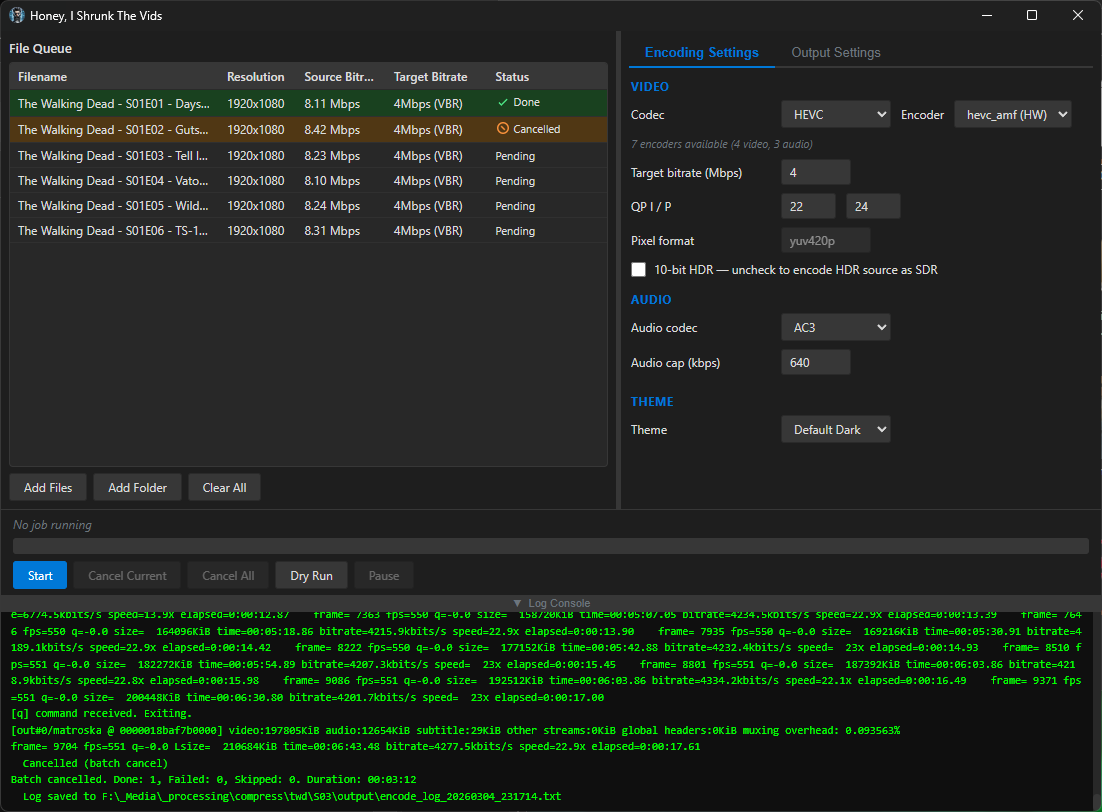
Compiled binaries can be downloaded at https://github.com/obelisk-complex/histv-universal/releases
deleted by creator
It’s no worries mate, as mentioned I have no problem with questions!
So, reasons. Yes, this started as a line in powershell! That was my other post, linked at the top. I wrote the line, and after a few batches I decided to stop and use Claude to build a GUI for it. After I got that working and did a few runs with it, I started thinking about how useful this would be for a handful of other people in my life, and I wanted to package it into a .exe, partly so I could send them something simple to start but also just because I wondered if I could get it working. Never done it before. I still wanted to use it for myself because I have thousands of video files to transcode, and I didn’t want to have to manually tweak the command for every batch. I also didn’t want to have to rebuild it if I have more to do 6 months down the line - I’m lazy.
Then, later that night after I’d done a few batches with the powershell line-now-script, I thought to myself that Claude could probably help me build a frontend for it that didn’t rely on powershell, and then I started thinking about just making it a cross-platform application so my less techie friends can use it if they have big video files and want to save disk space. And then I got the bright idea to post it to the internet in case there are other less-techie users who aren’t my friends but who could still use it.
It’s got some smarts under the hood to detect any hardware encoders you have available, and will present only the encoders that your system can use; the options are INCREDIBLY constrained, because the idea isn’t to expose every option of FFMPEG - this is for quickly shrinking video files without even needing to know the difference between CBR and VBR. That’s because you and I think it’s easy to run an FFMPEG command from the commandline. But there are a lot of people of all different kinds of skill levels who have no idea how any of that works, and they’ll take one look at Handbrake and run screaming. This is for those people, too.
It also auto-downloads the latest FFMPEG and FFProbe from the official source if it doesn’t detect them on your PATH or in the folder with the executable - that saved my buddy who was helping me test it on his 2016 Mac, for example.
I was hoping to catch this before your replied, as I went and read the readme, then it made more sense. So I deleted my reply. But too late!
The cool thing is there isn’t much to put into a command that does stuff like this, unless you changing the FFMPEG parameters every time, but that would seem unlikely.
Yeah for sharing I get some of the bells and whistles.
What would be cool to have is a much better open source and free TV series renamer if you are looking for a future project!